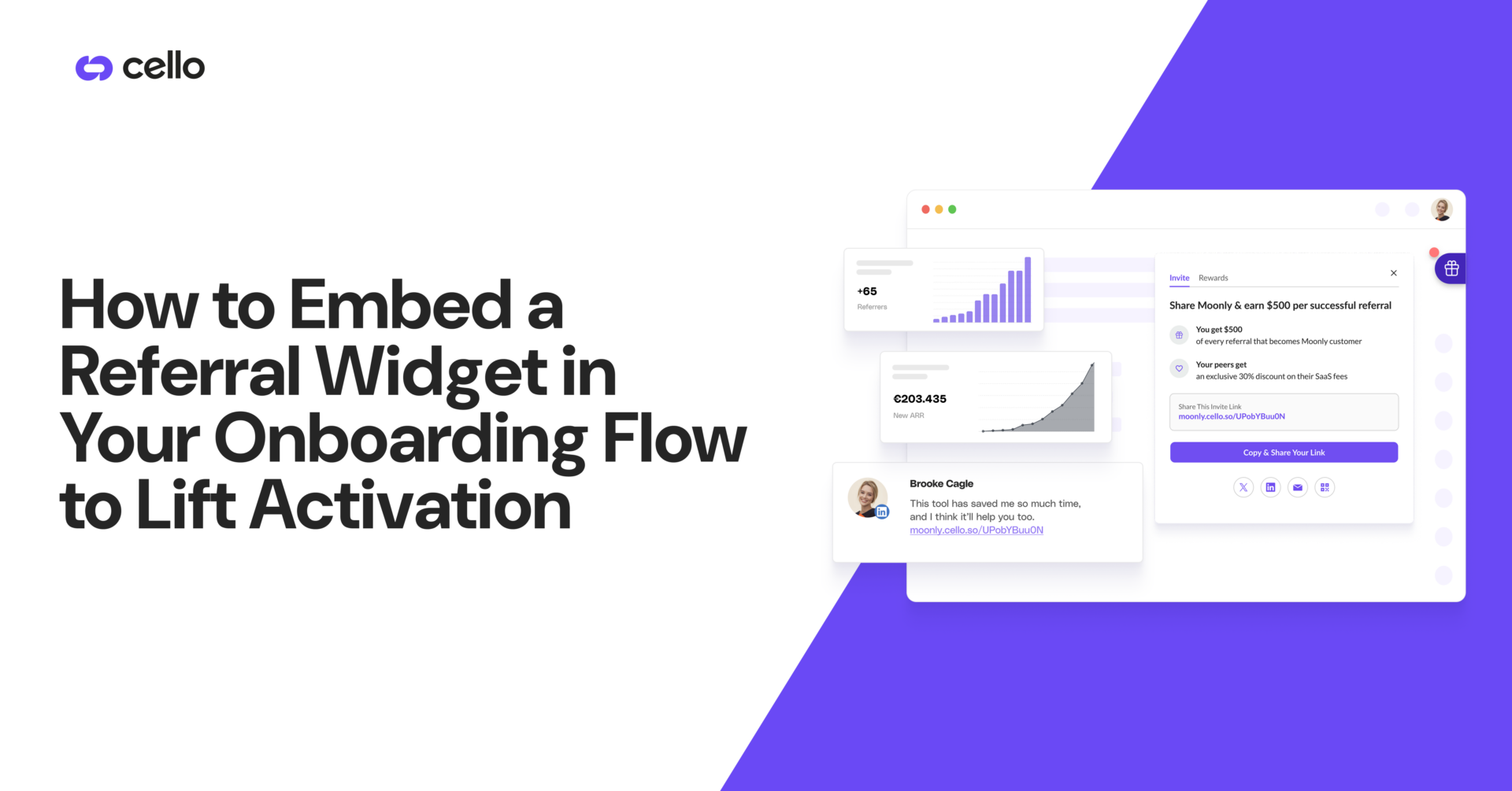

You can embed a referral widget in onboarding or you can keep sending new users to a static landing page they never visit, and the participation gap between those two paths is an order of magnitude. New users who hit their first value milestone are far more willing to invite a peer than they were at signup, but only if the ask appears inside the product at that exact moment.
The numbers track with that. In one Shopify supplement brand A/B test, footer links drove 0.8% participation, dashboard embeds lifted it to 4.2%, and a floating widget plus post-purchase popup hit 11.7%, a 14x improvement from the same reward structure with better placement.
- What is a referral widget and why embed it in onboarding
- Types of referral widgets for onboarding flows
- Where to place referral widgets in your onboarding sequence
- Technical integration options for embedding referral widgets
- How referral widgets impact activation rate
- Customization and branding for onboarding-embedded widgets
- Timing triggers and behavioral prompts for onboarding referral widgets
- Reward structures and incentive messaging in onboarding widgets
- Attribution tracking from onboarding-embedded referral widgets
- How embedding referral widgets in onboarding lifts activation with Cello
- Final Thoughts on Adding Referral Widgets to Your Onboarding Sequence
TLDR:
- For B2B SaaS teams running referrals in-product, Cello is purpose-built for this motion: VEED cut CAC by 90.4%, Moss grew referral ARR 650% YoY, and Softr lifted conversion 5x after switching from external portals to Cello's embedded widget.
- Widget placement moves conversion rates by up to 400%: a Shopify supplement brand measured 0.8% participation with footer links, 4.2% with dashboard embed and 11.7% with floating widget plus post-purchase modal.
- Fire the widget 48 to 72 hours post-activation at first value achievement (project created, invoice sent, plan upgraded) when belief is fresh: published benchmarks put in-product prompts in the high single digits to low double digits for click-through, versus low single digits for email-based asks.
- Server-side attribution through Stripe and Chargebee billing webhooks survives Safari ITP, Firefox ETP, and ATT refusal when signup, first value, and payment land days apart.
- Cello installs via JavaScript SDK (web), native mobile SDKs (iOS, Android, React Native, Flutter) or headless API, goes live in days and ties referral prompts to behavioral milestone triggers inside your product.
What is a referral widget and why embed it in onboarding
A referral widget is an interactive UI element inside your product that lets users share a referral link, watch invites convert and claim rewards without leaving the app. It sits behind a launcher, banner or modal triggered by an in-product event, tying each share to a specific user so attribution and reward math stay clean on the backend.
Embedding it in onboarding works because the ask lands at the right moment with a tool built for word of mouth. New users who hit their first meaningful win are far more willing to invite a peer than they were at signup. That window typically opens 48 to 72 hours after activation, when belief in the product is fresh.
Signup is too early. Day 30 is too late.
Types of referral widgets for onboarding flows
Three widget formats matter for onboarding, and they sit at different points on the visibility-friction trade-off. Picking one is structural, not cosmetic: widget placement moves conversion rates 400%, so the format you embed sets the ceiling on every downstream metric.
The table below compares the three formats across where each one sits in the product, when it works best, and the measured participation impact each has produced.
|
Widget Format |
Placement Context |
Best Timing |
Conversion Impact |
|---|---|---|---|
|
Inline embedded widget |
Permanent block inside an onboarding page or checklist that users scroll past in the flow |
Works when sharing is a documented onboarding step the user completes during initial setup |
Dashboard embed drives 4.2% participation in Shopify supplement brand test |
|
Floating button (FAB) |
Persistent launcher anchored to a screen corner across the app that carries onboarding context after the user moves on |
Useful when activation spans multiple sessions and the user returns days later |
Floating widget plus post-purchase popup hits 11.7% participation, a 14x improvement over footer links |
|
Triggered modal |
Popup fired by a specific event such as project created, first invite sent, or plan upgraded |
Highest intent capture at exact moment of first value achievement, lowest tolerance for bad timing |
In-product referral prompts convert at 8 to 15% click-through while email-based asks land at 1 to 3% |

- Inline embedded widget. A permanent block inside an onboarding page or checklist. Works well when sharing is a documented onboarding step the user scrolls past in the flow.
- Floating button (FAB). A persistent launcher anchored to a screen corner across the app. Carries onboarding context after the user moves on, useful when activation spans multiple sessions.
- Triggered modal. A popup fired by a backend-emitted milestone event such as first project created, first invoice sent, or plan upgraded to a paid tier. Highest intent capture, lowest tolerance for bad timing.
Where to place referral widgets in your onboarding sequence
Placement is a sequencing problem, not a UI decision. Each onboarding step carries different intent, and the widget belongs where belief in the product peaks.
- Post-signup welcome screen. Low intent. Use sparingly as a soft mention inside a "what's next" block.
- First value achievement. The strongest single placement. Fire the widget when a user completes their first meaningful action: project created, doc shared, first invoice sent.
- Onboarding checklist. Add "invite a teammate" as a tracked step. Checklist finishers are already in completion mode.
- Milestone completions. Plan upgrade, project published. High intent, low ask resistance.
A Shopify supplement brand A/B test found footer-only links drove 0.8% participation, a dashboard embed lifted it to 4.2%, and a floating widget plus post-purchase popup hit 11.7%, a 14x improvement over footer alone.
Technical integration options for embedding referral widgets
Three integration paths cover most onboarding embed scenarios. Pick based on where onboarding lives and how much UI control you need.

- JavaScript SDK (web): a script tag loads the widget; a backend-generated JWT (HS512) identifies the authenticated user. Works across React, Next.js, Vue, Angular and server-side apps. The client never holds the secret.
- Native mobile SDKs: iOS 15+, Android API 21+, React Native and Flutter SDKs render with OS-native UI and hook into the device share sheet. Attribution runs server-side through billing webhooks, so ATT refusal does not break tracking.
- Headless embed: a referral link exposed via API for placement inside custom onboarding components.
Authentication is identical across paths with short-lived tokens signed server-side and refreshed via SDK lifecycle events.
How referral widgets impact activation rate
Activation rate is the share of new signups who hit a defined value milestone within a fixed window: first project created, first invoice sent, first teammate invited. In 2026, median activation rates sit at 38% for B2B SaaS and 44% for fintech, with anything under 25% flagged as a fix-it metric.
A referral widget inside onboarding lifts this number through three mechanics:
- Social proof: an visible invite path signals other users trust the product, reducing activation hesitation at the moment of first value.
- Program awareness: early exposure means the reward is already known when sharing intent peaks during the aha moment.
- Engagement signal: opening the widget is a micro-commitment that tracks alongside completion of downstream onboarding steps.
Customization and branding for onboarding-embedded widgets
A widget that looks bolted on gets ignored. Onboarding-embedded referral surfaces should read as native product features, and the customization stack splits into three tiers:
- Basic styling: primary, button and badge colors; light, dark or system theme; button copy; ten interface languages. These controls cover most brand alignment requirements without touching code. A team can change the widget's accent color to match their product's primary color, swap button labels from "Invite friends" to "Refer a colleague" and flip to dark theme in under ten minutes through the dashboard. No engineer needed.
- Intermediate configuration: pop-up versus modal layout, floating action button (FAB) position, z-index control, and a custom launcher attached to an existing UI element via
cello.open(). This tier also includes the no-code New User Banner for referred visitors: a contextual entry point that greets a new user with the referrer's name and the offer details before they reach the signup form, raising referred conversion rates without additional engineering. Teams that already have a nav icon or sidebar item can wire it tocello.open()so the widget appears on demand from a surface users already recognize. - Advanced custom CSS: full style overrides that match exact spacing, typography and component patterns from your design system. Every element the widget outputs, cards, buttons, reward-state labels, share-channel icons, accepts scoped CSS. The "Powered by Cello" badge can be hidden entirely, so the surface reads as a native product feature with no third-party attribution visible to the user. Teams running a white-label product or a tightly governed design system use this tier to pass internal design review without shipping a custom referral build.
Timing triggers and behavioral prompts for onboarding referral widgets
Timing beats reward size and copy on participation lift. The same widget fired at signup versus after a user completes their first paid invoice produces participation rates an order of magnitude apart.
Four trigger types matter for onboarding:
- Aha moment detection: backend listens for the event defining first value (project published, first export, first paid invoice) and fires the widget within the same session.
- Milestone completions: onboarding checklist finished, plan upgraded, integration connected.
- Feature adoption events: second or third use of a sticky feature signals retained value.
- Time-based delays: a scheduled prompt at 48 to 72 hours post-activation catches users who hit value but never re-encountered the widget.
In-product referral prompts convert at meaningfully higher click-through than email-based asks, a gap documented in published referral program mechanics. The delta is not creative. An in-product trigger fires while the user is holding the product; an email fires while they are doing something else.
Reward structures and incentive messaging in onboarding widgets
Reward design decides whether a user who sees the widget actually clicks share. Two-sided rewards consistently outperform one-sided in onboarding, where the new user is still calibrating trust and the referrer has not yet built an advocacy habit.
Reward types by product economics:
- Cash payouts: strongest for B2B referral programs where the referrer earns on a paid conversion, as percentage-of-revenue or flat fee.
- Account credits: aligns reward cost with realized revenue and avoids cash-payout compliance friction.
- Referee discounts: time-limited (10 to 15% off the first two to three months) keeps unit economics intact.
- Product features: free month, trial extension or higher-tier access for both sides.
Surface the headline benefit ("Give 20%, get $50") in the first modal line, repeat it on the share-channel screen and show pending versus paid state in the referral dashboard. Vague copy ("Invite friends") suppresses click-through even when the reward is generous.
Attribution tracking from onboarding-embedded referral widgets
Attribution leaks are why most growth teams stop trusting referral data. An onboarding-embedded widget captures attribution across four layers, but only one holds up reliably.
- URL parameters capture the 11-character UCC code appended to every referral link, identifying the referrer at click and surviving copy-paste, social shares and email forwards.
- First-party cookies use
cello-referralandcello-productIdto carry the UCC across sessions for three months, but Safari ITP, Firefox ETP and ad blockers strip them. - Authenticated session through the widget JWT ties every share to a known
productUserId, identifying the referrer server-side regardless of cookie state. - Billing-object metadata in Stripe and Chargebee records carries
cello_ucc, with conversions firing oninvoice.paidwebhooks.
Server-side reads survive ITP, ATT refusal and strict CSP because the event originates on your backend. For onboarding embeds where signup, first value and payment land days apart, it is the only path that closes the loop.
How embedding referral widgets in onboarding lifts activation with Cello
Cello is the in-product layer that turns the onboarding embed pattern above into shipped infrastructure. A few lines of code load the widget; the rest is configuration.
JOIN lifted activation to 25% by wiring contextual prompts to in-product events: a successful hire, a contract extension, an MRR increase. The same program produced a 29% signup rate and 11% additional monthly revenue growth. Moss embedded the widget in-menu in English, German and Dutch and recorded 650% year-over-year referral ARR growth at 50% lower CAC than inbound.
Below the UI, server-side attribution reads cello_ucc from Stripe and Chargebee metadata, fraud detection ships on every tier and user referral payouts run through PayPal, Venmo, ACH and UPI across 60+ countries. Behavioral milestone triggers and deep-linking let teams anchor the prompt to actual usage patterns instead of static page embeds.
Final Thoughts on Adding Referral Widgets to Your Onboarding Sequence
If you are still running referrals as a static landing page with a coupon code and a spreadsheet, the widget format and the timing are both working against you before a single user even sees the program. Cello embeds referral into onboarding and connects it to the exact milestone where sharing intent peaks, with attribution that holds up when finance audits the CAC breakdown.
Four decisions set the ceiling on every downstream number. Format: inline embed for documented onboarding steps, floating button for multi-session activation, triggered modal for the exact moment of first value. Placement: fire at first value achievement (project created, first invoice sent, plan upgraded), not at signup and not at day 30. Trigger: tie the prompt to a behavioral milestone the backend already emits, 48 to 72 hours post-activation while belief in the product is fresh. Attribution: read conversions server-side from Stripe and Chargebee metadata so the loop closes even when Safari ITP, Firefox ETP and ATT refusal strip the cookies.
The proof points track with the pattern. JOIN wired contextual prompts to in-product events and lifted activation to 25%. Moss embedded the widget in-menu across three languages and recorded 650% year-over-year referral ARR growth at 50% lower CAC than inbound. VEED cut CAC by 90.4% after replacing an external portal with an in-product surface.
The next step is a single decision: pick the milestone in your onboarding flow where the first real win happens, attach the widget to that event, and let server-side attribution prove the channel out. The teams cited above embedded referral into the product instead of treating it as a marketing side project, and their reported outcomes (Moss at 650% YoY referral ARR growth, VEED at 90.4% lower CAC) followed that decision.
Can I embed a referral widget in my onboarding flow without JavaScript?
No. The web SDK requires a JavaScript script tag to load the widget and a backend-generated JWT (HS512) to authenticate users—JavaScript is mandatory for web implementations, though native mobile SDKs exist for iOS, Android, React Native and Flutter that don't require web-based code.
Referral widget inline vs floating button vs modal for onboarding?
Inline widgets work when sharing is a documented onboarding step, floating buttons (FAB) persist across sessions when activation spans multiple days, and triggered modals capture highest intent at specific events like first project creation. Widget placement shifts conversion rates by up to 400%, so format is a structural decision.
Should I trigger the referral widget at signup or after first value?
Trigger it after first value achievement. A Shopify supplement brand measured 0.8% participation with footer links, 4.2% with dashboard embed, and 11.7% with floating widget plus post-purchase popup—a 14x improvement—because timing beats reward size and copy on participation lift.
How does server-side attribution track referrals when cookies are blocked?
Cello reads conversion events from billing system webhooks (Stripe, Chargebee) via customer-object metadata fields (`cello_ucc`, `new_user_id`, `new_user_organization_id`) rather than relying on browser cookies, so attribution survives Safari ITP, Firefox ETP, ad blockers and iOS ATT refusal entirely.
What reward structure works best for onboarding-embedded referral programs?
Two-sided rewards consistently outperform one-sided in onboarding—give both referrer and new user value (cash, account credits, discounts or free months) because new users are still calibrating trust and referrers haven't built advocacy habits yet, making symmetric incentives critical for early-stage conversion.
How long does it take to integrate a referral widget into an onboarding flow?
Integration takes 3 to 4 hours for the SDK install and JWT generation, 1 to 2 hours for landing page attribution capture, and about one day each for signup and purchase tracking configuration. Stripe annual-subscription customers using auto-attribution can go live in under 24 hours.
Can I trigger the referral widget based on specific onboarding milestones instead of static page placement?
Yes. Cello supports event-driven triggers tied to behavioral milestones like first project creation, plan upgrade, onboarding checklist completion, or feature adoption events. Backend listeners fire the widget within the same session when the defined value event occurs, anchoring the ask to moments of peak sharing intent.
Referral widget for mobile apps vs web implementation?
Mobile SDKs for iOS, Android, React Native, and Flutter render referral widgets using OS-native UI primitives and integrate directly with device share sheets, while web implementations use the JavaScript SDK with JWT authentication. Both paths use identical server-side attribution through billing webhooks, so tracking survives cookie blockers and ATT refusal equally.
Do I need separate referral widgets for different subscription tiers?
No separate widgets are required. Cello supports multi-campaign architecture where different subscription tiers receive distinct incentive structures, reward amounts, and program experiences through a single widget installation. Segmentation by subscription tier, user role, or organization size is configured per campaign in the portal.
Can the referral widget fire automatically when a user completes a free trial conversion?
Yes. Cello supports configuring widget triggers on billing events including trial-to-paid conversion via Stripe or Chargebee webhooks. The widget can fire automatically when an `invoice.paid` or `charge.succeeded` event occurs, capturing high-intent sharing moments immediately after payment confirmation.
What happens to referral attribution if a user signs up on mobile but converts on desktop days later?
Server-side attribution through billing webhooks preserves the referral link across devices and sessions. Cello reads conversion events from Stripe or Chargebee metadata fields (`cello_ucc`, `new_user_id`, `new_user_organization_id`) rather than relying on cookies, so attribution survives cross-device journeys, multi-day gaps, and cookie-blocking browsers.
Can I customize the referral widget copy to match our onboarding checklist language?
Yes. Cello provides customizable label text for user-facing status indicators and interface elements, allowing you to modify default labels like 'signed up' to match your specific workflow terminology. Copy customization is configured per account in the portal and applies across web and mobile SDK implementations.
How do I test whether referral rewards trigger correctly before launching the program publicly?
Use the Event Feed in the Cello portal to inspect purchase events, signup events, and reward triggers in real time. Trigger test purchases in sandbox or production environments and observe whether the corresponding reward calculation and payout initiation occur, with field validation statuses displayed for troubleshooting missing or malformed metadata.
Inline referral widget vs floating action button for onboarding conversion rates?
Inline widgets work when sharing is a documented onboarding step users scroll past, while floating action buttons persist across sessions for activation flows spanning multiple days. A Shopify brand measured 0.8% participation with footer links, 4.2% with dashboard embed, and 11.7% with floating widget plus triggered modal, demonstrating that persistent visibility and event-driven timing beat static placement by 14x.
Can I run A/B tests on different referral reward amounts within the onboarding flow?
Yes. Cello supports running multiple independent campaigns in parallel with distinct reward configurations targeted at segmented user cohorts. Growth teams can compare conversion rates, sharing rates, and program ROI across variants to validate reward hypotheses before committing to program-wide rollouts.